
Microsoft Clarity Complete Guide: Free User Behavior Analytics Tool
Stop guessing, understand real user behavior with data
Visit Website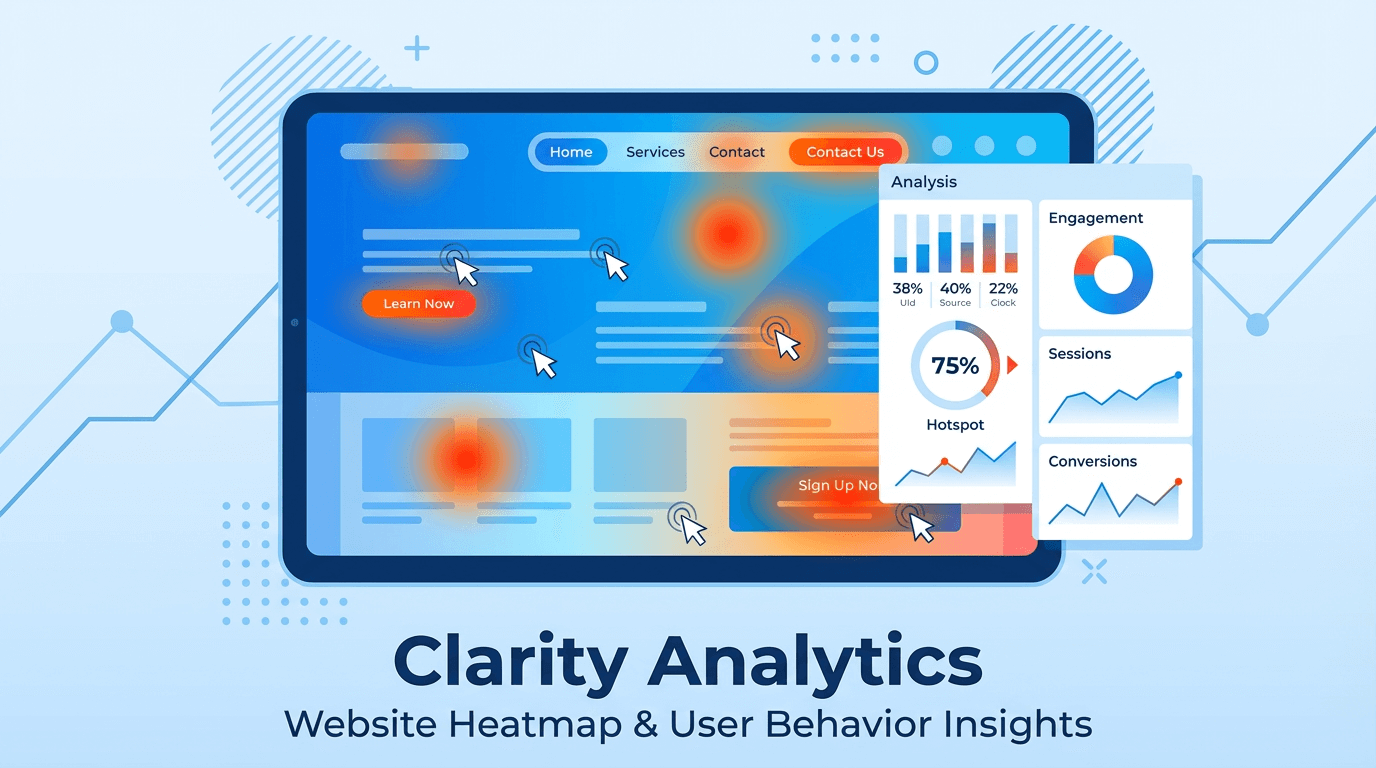
Is your website also facing these frustrating problems?
-
High traffic, low conversion: You've invested in marketing, visitors are coming, but registrations, purchases, and inquiries remain scarce. Money spent, but results nowhere to be seen.
-
Users come and go like ghosts: Why do visitors bounce from certain pages? What are they actually looking for? Why are shopping carts abandoned? You're standing in the fog, completely unable to see users' real thoughts.
-
Website optimization based on "guesses": Change the button color to red? Make the copy more "eye-catching"? Every redesign feels like gambling, lacking data support, results purely based on luck.
If you're nodding to any of these problems, congratulations, you're not alone! But more importantly, there's now a tool that can completely end these dilemmas—Microsoft Clarity. Most importantly, it's completely free, permanently free!
What is Microsoft Clarity?
Microsoft Clarity is Microsoft's official free, powerful user behavior analytics tool. It helps you intuitively understand how users interact with your website through visualized data. Microsoft Clarity - Free Heatmaps & Session Recordings
Simply put, Google Analytics (GA) tells you "what happened" (for example, which page has high bounce rate), while Clarity tells you "why it happened" (for example, users angrily click because they can't find the next step button and eventually give up). It takes you out of boring data and lets you observe real user behavior like watching a movie.
Unveiling Clarity's Three Core Features
Clarity's strength lies in its intuitive, visual three core weapons: heatmaps, session recordings, and smart insights.
1. Heatmaps: See User Attention at a Glance
Heatmaps use different colors to intuitively mark user behavior hotspots on pages, letting you instantly understand which parts are most attractive and which are completely ignored.
-
Click Maps: Where do users actually click? Navigation, buttons, or some unexpected image? Click maps highlight the most clicked areas in red to help verify if your page design matches user intuition.
-
Scroll Maps: How patient are users? How far do they scroll? Scroll maps clearly show the distribution of browsing depth, helping you decide where to place the most important content (like core selling points, CTA buttons) in the page's golden position. How to Use Heatmap Tools to Improve Website User Experience - HugoNet

2. Session Recordings: Replay User Behavior Like Watching a Movie
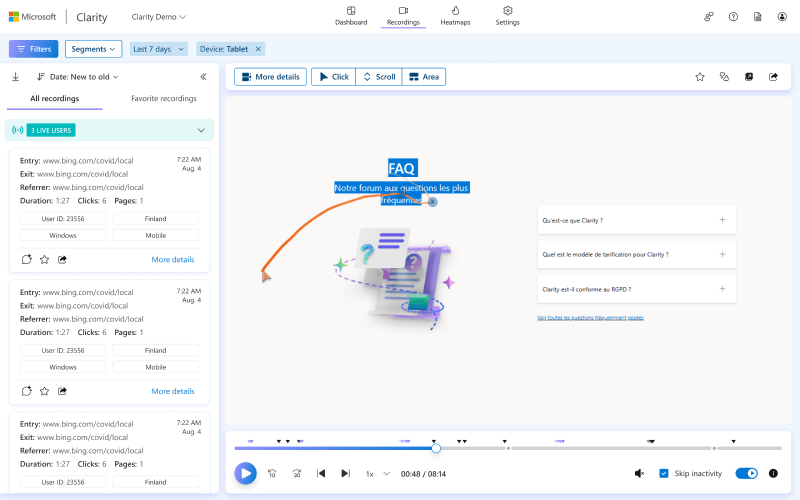
This is Clarity's most stunning feature! It can record complete real user operations from entering the page to leaving, including:
-
Mouse movement trajectories
-
Every click
-
Page scrolling and dwell time
-
Navigation between different pages
By replaying these "movies," you can personally experience the confusion, hesitation, and struggles users encounter while browsing. Is the form too complex to fill? Or does a button not respond when clicked? All problems become crystal clear.
3. Insights Analysis: AI Automatically Finds Problems for You
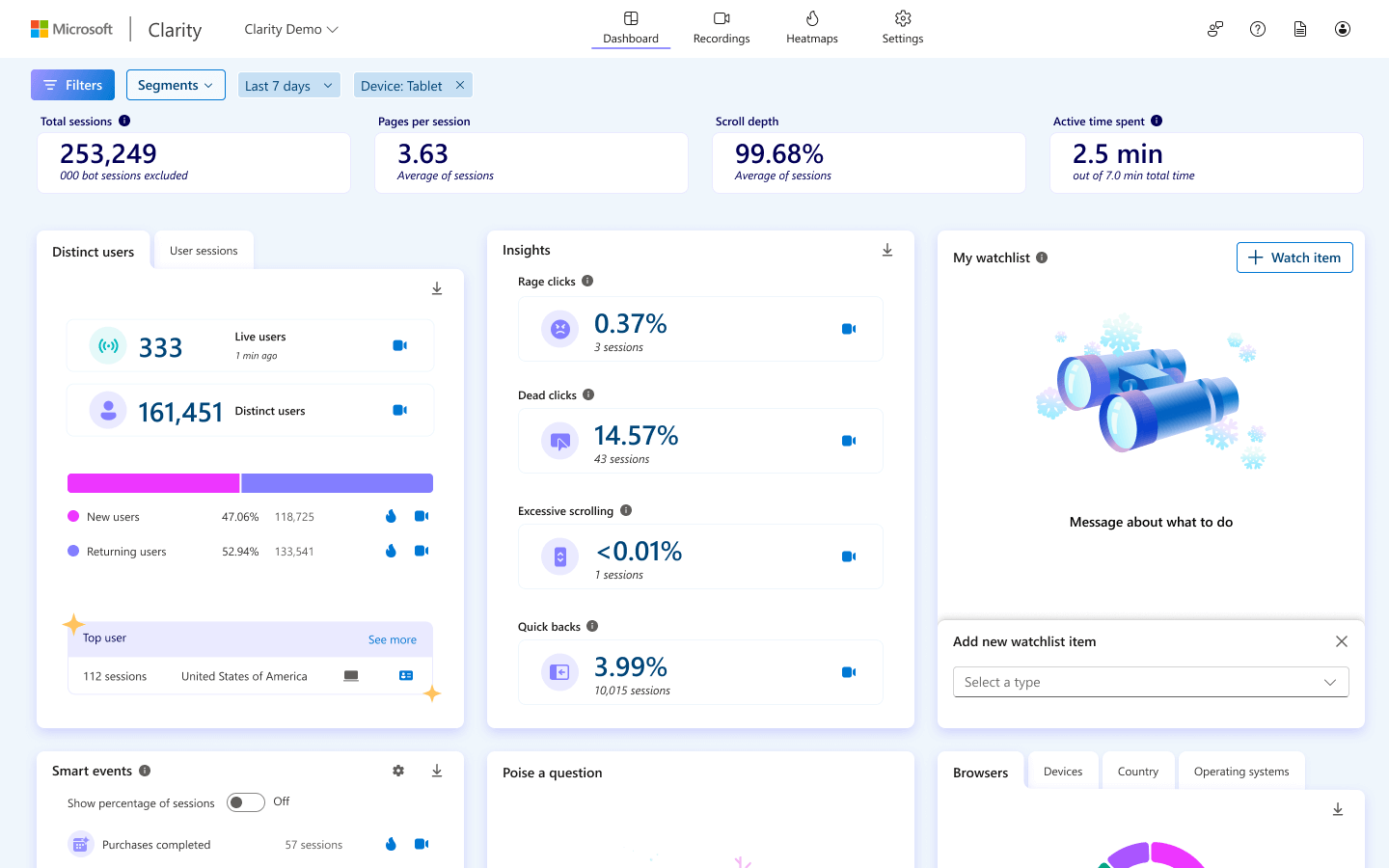
Clarity not only provides raw data, its AI dashboard also automatically analyzes and flags noteworthy user behaviors, saving you significant analysis time.
-
Rage Clicks: Users frantically click the same area in a short time, usually meaning an element looks clickable but doesn't respond, or the function loads slowly—it's a user experience disaster zone.
-
Dead Clicks: Users click on any element without links or interaction effects, indicating your UI design may be misleading.
-
Excessive Scrolling: Users repeatedly scroll up and down quickly on the page, usually indicating they can't find the information they want.
-
JavaScript Errors: Clarity can also capture JS errors that occur in user sessions and associate them with specific recorded videos, allowing frontend developers to quickly locate and fix bugs.
4. Strong Partnership with Google Analytics
Clarity is not meant to replace Google Analytics, but to be its best partner. You can easily link Clarity with your GA account. When you see abnormal data in GA (like high bounce rate), you can directly jump to Clarity to view corresponding session recordings and explore the specific reasons behind it. This combination of "quantitative" + "qualitative" analysis can elevate your data analysis capabilities to a new level. Microsoft Clarity vs Google Analytics: Which is Better?
Why Clarity is Your Best Choice?
There are many similar tools like Hotjar and CrazyEgg on the market, but they usually come with high prices and many restrictions on traffic and features. Clarity directly solves all these pain points. Free website heatmap analysis tool Microsoft Clarity installation and usage tutorial - NetShop Power
-
Permanently Free: Yes, you read that right. All features, including heatmaps and session recordings, are completely free with no paid versions.
-
No Traffic Limits: Whether your website gets hundreds or millions of visitors per day, Clarity welcomes all without charging you for high traffic.
-
No Data Sampling: Many analytics tools sample data when traffic is high, only analyzing a portion of users. Clarity insists on providing 100% complete data to ensure your decisions are based on comprehensive, real information.
-
Privacy Focused: Clarity is designed to comply with GDPR and CCPA privacy regulations, automatically masking sensitive information like passwords and emails to protect user privacy.
-
Extremely Simple Installation: Just copy a small JavaScript code snippet into your website's
<head>tag. If you use WordPress, Shopify, Google Tag Manager, etc., there are ready-made plugins or integration methods that can be done in minutes. Microsoft's free tracking tool [clarity]
Clarity's Practical Application Scenarios
No matter what type of website you operate, Clarity can bring you tremendous value.
-
E-commerce Websites: Analyze why users abandon shopping carts, optimize product detail page layouts, and improve order conversion rates.
-
SaaS Products: Observe user behavior during registration and onboarding processes, identify experience bottlenecks, and reduce user churn rates.
-
B2B and Export Websites: Understand browsing habits of users from different countries, optimize inquiry forms and product introduction pages to get more sales leads. Microsoft Clarity Free Powerful Export Website Analysis Tool
-
Content and Blog Websites: Use scroll maps to understand which content readers are more interested in, optimize article structure and typography to improve reading completion rates and dwell time.
3-Step Quick Start Guide
Ready to say goodbye to guessing and use data-driven decisions? Just three steps to start your Clarity journey:
-
Register Account: Visit Clarity Official Website and register for free using your Microsoft or Google account.
-
Add Project: Enter your website name and URL to create a new project.
-
Install Code: Clarity will generate tracking code. You can choose:
-
Manual Installation: Copy and paste the code into the
<head>tag of every page on your website. -
Install via Third-Party Platforms: If your website uses Google Tag Manager, WordPress, Shopify, etc., Clarity provides simple one-click integration methods.
-
Once the code is successfully installed, you'll typically see a steady stream of user behavior data flowing into your Clarity dashboard within 2 hours!
Take Action Now, Unlock Your Website Growth Password!
On the road to website optimization and user experience improvement, the most expensive thing isn't tools, but lost time and opportunities. Microsoft Clarity provides you with a zero-cost, high-return solution.
Stop optimizing your website based on feelings. Start using Clarity for free today, see what your users are actually thinking and doing, and find the real bottlenecks hindering your business growth.